Creating an organized and efficient workspace at home can significantly improve your productivity and overall work experience. Whether you’re working from home full-time or just occasionally, having a space designed for focus and comfort is key. This article shares helpful tips on organizing your home workspace so you can work smarter and feel better throughout the day.
Why Organizing Your Workspace Matters
A cluttered or poorly arranged workspace can lead to distractions, stress, and decreased efficiency. On the other hand, a tidy, well-planned environment supports concentration, creativity, and energy. Organizing your workspace is not just about cleanliness—it’s about setting yourself up for success each time you sit down to work.
Assess Your Current Workspace
Before making changes, take a few moments to evaluate your current setup:
– Is your desk cluttered with papers or random items?
– Do you have to search for tools or documents frequently?
– Is your chair comfortable and supportive?
– How is the lighting in your workspace?
– Are there any distractions nearby (noise, TV, pets)?
Understanding these points will help you identify specific areas to improve.
Essential Tips for Organizing Your Home Workspace
1. Choose the Right Location
Select a spot in your home that offers enough space and minimal distractions.
– Ideally, pick a quiet corner away from the main traffic areas.
– Natural light is a great benefit but avoid glare on your computer screen.
– Having a dedicated work zone helps your brain associate the space with productivity.
2. Declutter Regularly
Keep only the essentials on your desk and in your immediate area.
– Use drawers or organizers to store supplies out of sight.
– Remove anything unrelated to your work to reduce distractions.
– Make it a habit to tidy up at the end of each day.
3. Use Effective Storage Solutions
Smart storage keeps everything you need close at hand but neatly arranged.
– Desk organizers, shelves, and filing cabinets are great options.
– Label storage bins or folders to quickly find documents.
– Vertical storage can save space when floor area is limited.
4. Keep Cables Under Control
Tangled cords create visual clutter and can be frustrating.
– Use cable clips, ties, or sleeves to bundle and route wires neatly.
– Consider wireless devices when possible to reduce the number of cables.
– Position power strips out of view but accessible.
5. Invest in Comfortable Furniture
Your chair and desk affect how long you can work comfortably.
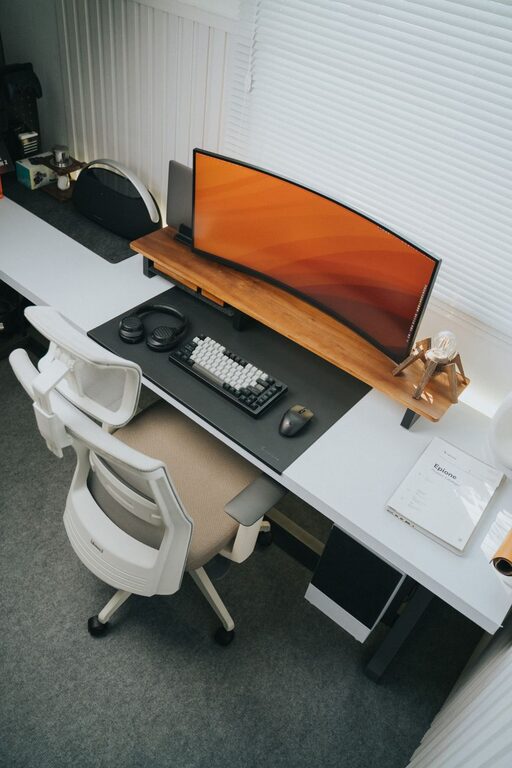
– Choose an ergonomic chair with good back support.
– Ensure your desk height lets you keep your arms and wrists in a natural position.
– Add a footrest if your feet don’t rest flat on the floor.
6. Optimize Lighting
Proper lighting prevents eye strain and keeps you alert.
– Use a combination of natural light and adjustable desk lamps.
– Avoid harsh overhead lighting or screen glare.
– Position your monitor at a right angle to windows to reduce reflections.
7. Personalize Your Space Thoughtfully
Adding personal touches can make your workspace more inviting.
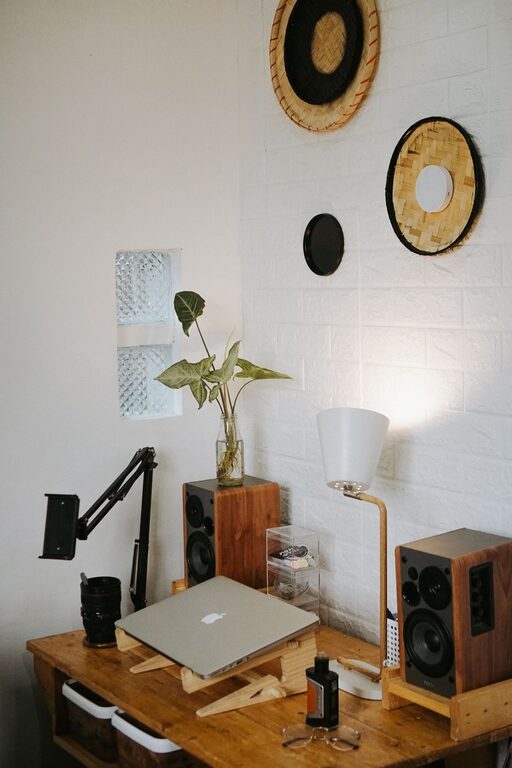
– Include plants, artwork, or photos that motivate or calm you.
– Avoid overcrowding your space with too many decorations.
– Choose items that inspire positivity without distracting you.
8. Organize Your Digital Workspace, Too
Physical organization isn’t enough—keeping your digital files and tools arranged matters.
– Create folders and subfolders to sort documents logically.
– Use productivity apps to keep track of tasks and deadlines.
– Regularly clear unnecessary files from your computer desktop.
9. Develop a Daily Routine
An organized space is most effective when paired with routine habits.
– Begin and end your workday by tidying your desk.
– Prioritize tasks with a to-do list at the start of each day.
– Take regular breaks to avoid burnout and maintain focus.
Bonus: Maintaining Motivation in Your Workspace
Staying productive often depends on your mindset. Here are some extra tips:
– Set clear boundaries for when work starts and ends.
– Use noise-canceling headphones or play instrumental music if noise is an issue.
– Change your seating or posture during the day to stay comfortable and alert.
Final Thoughts
Organizing your home workspace is an ongoing process rather than a one-time effort. With thoughtful arrangement, regular decluttering, and comfort-focused furniture, your workspace can support your productivity and well-being. Start small, and adjust your setup as you discover what works best for you. A well-organized workspace is not just a place to work — it’s a foundation for your daily success.